

Your body is the paddle.
Throw balls, catch the rebounds with your body, and bounce them back into waves of mice.
A BOX-CAT'S UNUSUAL WAREHOUSE SHIFT

Change your shape.
Bounce your way through.
Bounce balls, battle mice, and choose food that changes your body.
What shape will Michiko clock out in today?
 CLOCK IN.

STORY
“Michiko... have you gotten bigger?”
After a remark from fellow box-cat Hiroko, Michiko takes a part-time job catching mice at a convenience store warehouse. It's time to work on her shape—and the mice just keep coming!
A DIFFERENT SHAPE EVERY SHIFT
Throw balls, catch the rebounds with your body, and bounce them back into waves of mice.

Stretch, shrink or grow wider. Every food choice changes your stats and the way you play.

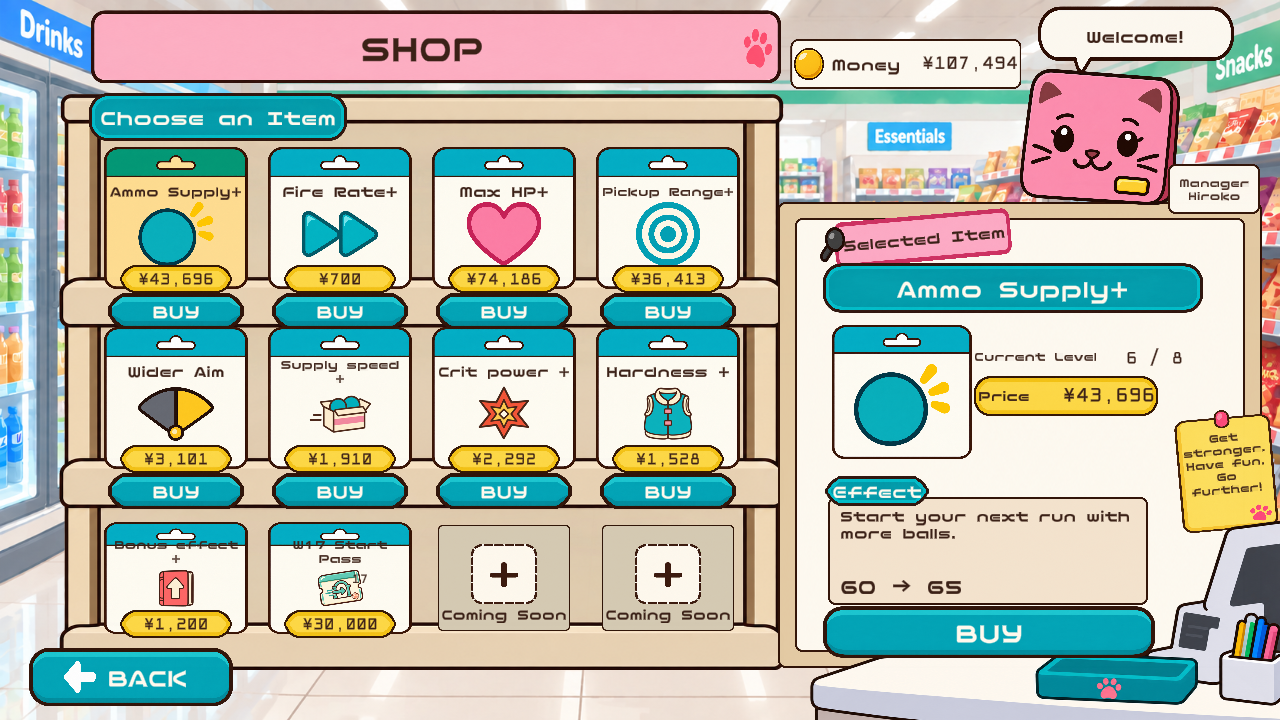
Spend your pay on permanent upgrades. Raise BALL level through supplies and carry that growth into your next shift.
HOW TO PLAY
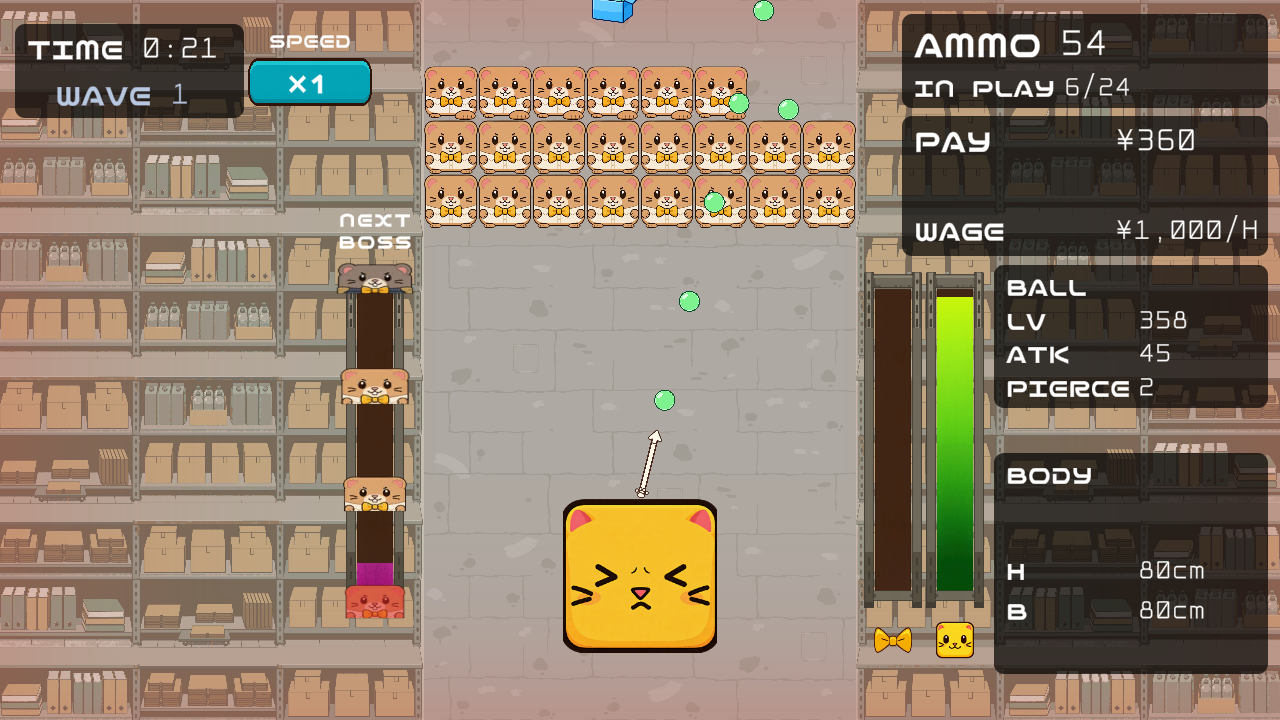
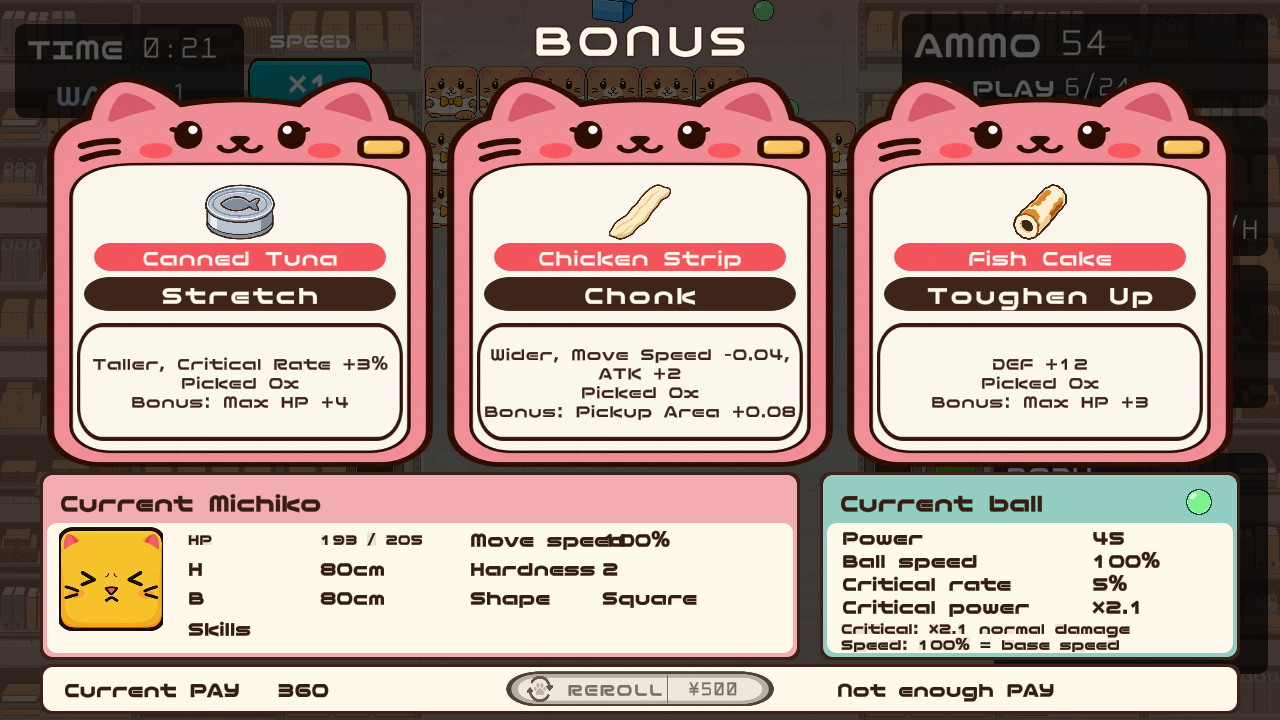
This screenshot predates the update. Check the item guide for current effects. Current item effects →
FIND YOUR SHAPE
Combine width, height and outline to find a body that suits you.
Where a ball lands on the top changes its return angle.

Reflect diagonally from the slopes. Width and height change their steepness.
Discover it in the game!
Triangle takes 15% more ordinary damage. Changing shape replaces the previous shape-specific modifiers.
CONTROLS
| Action | Keyboard / mouse | Gamepad |
|---|---|---|
| Move | A / D or Left / Right arrows | Left stick |
| Aim | Mouse | Right stick |
| Fire | Select Space or click in settings. Hold to fire manually, including in Auto Fire mode | Right trigger |
| Pause | Esc / P | Start |
| Cycle game speed | V or the on-screen speed button | Left shoulder |
| Step game speed | Mouse wheel: up to speed up, down to slow down | — |
| Parry | S; right-click also works when mouse firing is selected | Left trigger |
Parrying requires Cat Punch. Speed shortcuts work during normal play. Controller button names vary by device.
TOUCH & AUTO FIRE
Choose “Auto Fire + Panel” in the firing settings to display the controls on the left. Slide left or right on the lower panel without lifting your finger to move, adjust aim on the panel above it, and use the dedicated parry area. Your last aim direction is retained. Parrying requires Cat Punch.
Auto Fire conserves shots according to your remaining balls. When it is OFF, hold Space, the left mouse button, or RT to fire manually. Keyboard, mouse, and gamepad controls can also be used in Auto Fire mode.
For a first launch with no saved preference, mobile defaults to Auto Fire and PC defaults to Space firing. Existing saved preferences are retained.
Choose Space, click, or Auto Fire + Panel in the firing settings. Active panel input takes priority separately for movement and aim.
CONTROL PANEL
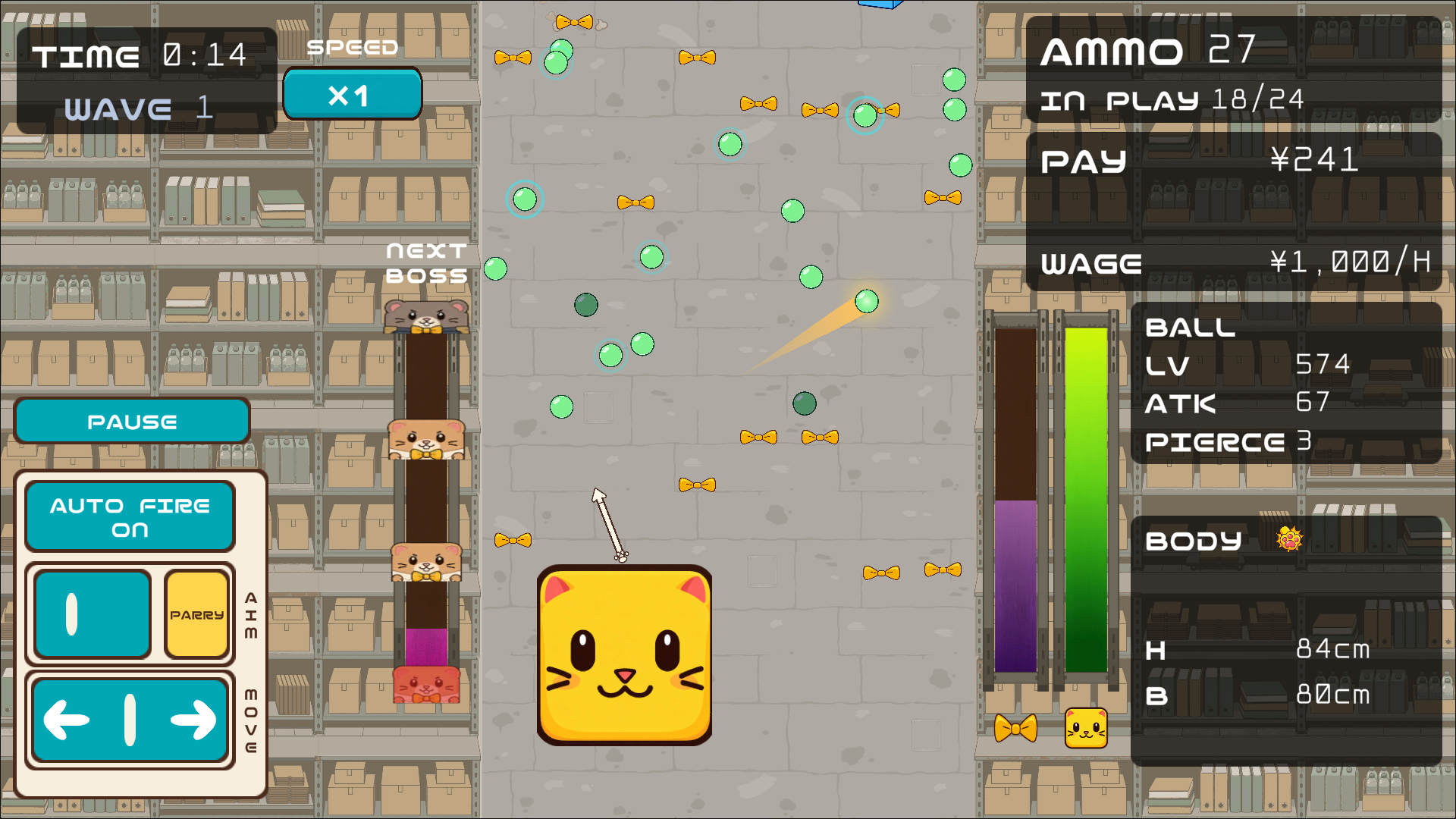
Brief key or direction-button presses move slowly for fine adjustments; holding them accelerates to your normal speed. Releasing stops movement immediately, and reversing starts slowly again. Touch sliders and sticks give finer control near the center and full speed at the edges.
GROW BETWEEN SHIFTS
Food, skills and shape changes belong to the current run. You build them again on your next shift.
Shop purchases and BALL level carry over between runs. Each collected supply raises BALL level by one, up to level 1000. BALL level is separate from the run level that grants bonus choices.
Build attack with Chicken Strip, then manage width with Dried Sardine. Attack and pickup-range gains remain while you improve movement speed.
Explore shaping tips →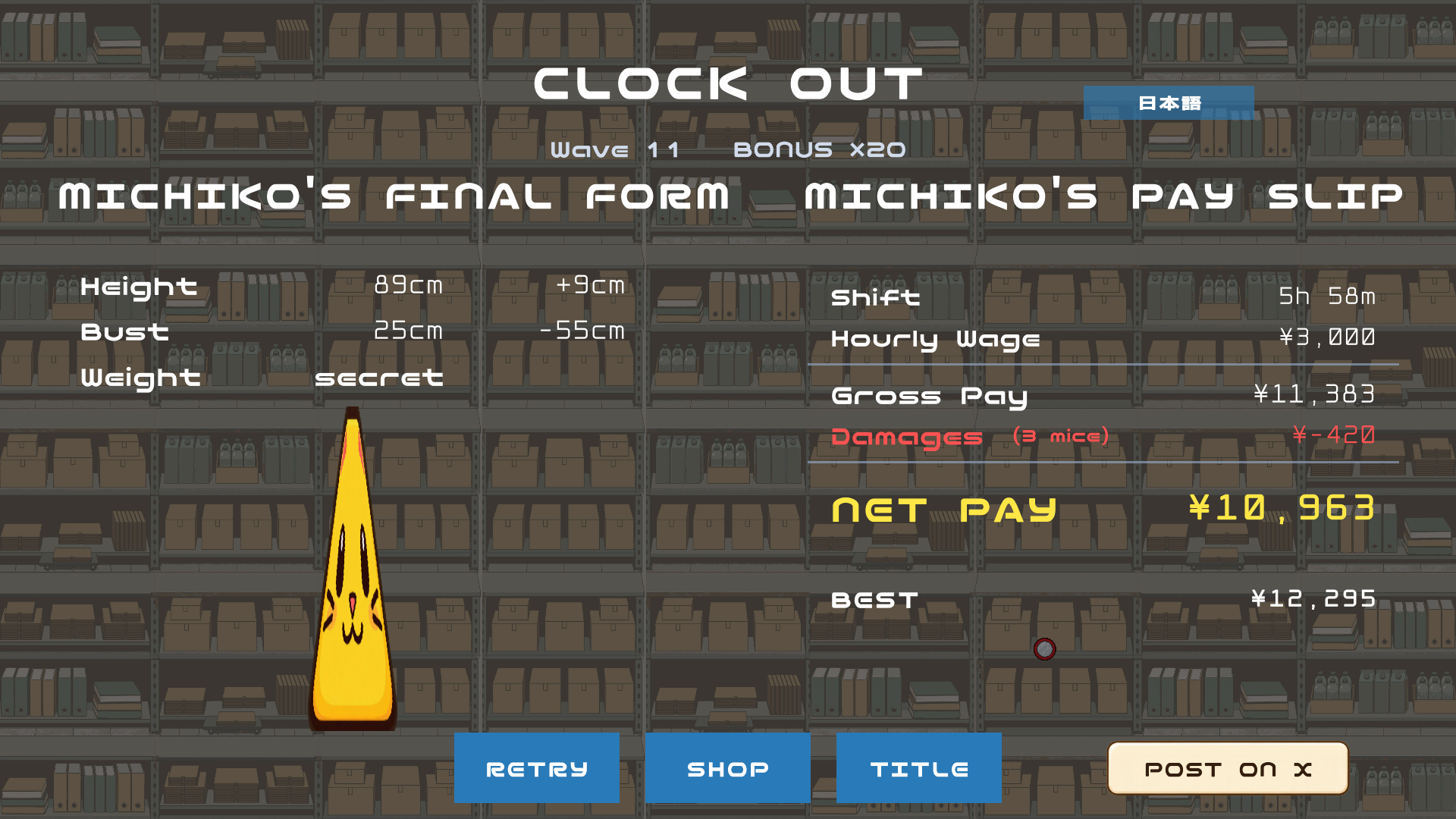
CLOCK OUT & SHARE
At clock-out, choose “POST ON X” to prepare a post with a result-page link. X can display the result as an image card from that page; this does not attach the image file directly to the post. You review and submit the post yourself on X.
Text-only sharing is also available if an image cannot be prepared. Card display depends on X, so website copy should not promise that it will always appear.
GAME INFO
Full asset notices and licenses are available in the in-game credits.
These credits describe assets used in the game.